
A Complete, Beginner-Friendly and Human Guide to Typography
Typography is one of the most important parts of your website’s design. Even though visitors may not consciously think about fonts, the style, size and feel of your typography shape their entire experience. The right fonts make your content easy to read, visually appealing and aligned with your brand identity. That is why learning how to change font in Squarespace is a crucial step in creating a polished and professional website.
Squarespace is known for its clean design tools and beginner-friendly interface, so adjusting your fonts is simple once you understand where everything is located. Whether you are building a portfolio, a service-based website, an online store or a blog, knowing how to change font in Squarespace gives you control over your visual style and ensures your site reflects your personality and goals.
This detailed guide explains everything you need to know about choosing, customizing and optimizing fonts on Squarespace. By the time you finish reading, you will feel comfortable shaping typography that strengthens your brand and improves user experience.
Why Typography Plays a Powerful Role in Website Design
Before learning how to change font in Squarespace, it helps to understand why fonts matter so much. Typography shapes the way users interpret your message. Even if you have great content, the wrong font can make your website look unprofessional or hard to read.
Typography influences emotion and trust
Readable fonts improve user engagement
Consistent fonts strengthen branding
Good spacing makes reading feel effortless
Clean design keeps visitors on your site longer
When your text is visually inviting, users stay longer, interact more and connect more deeply with your message. That is why knowing how to change font in Squarespace is not just an aesthetic choice. It is a key part of building a meaningful user experience.
Where to Find the Font Settings in Squarespace
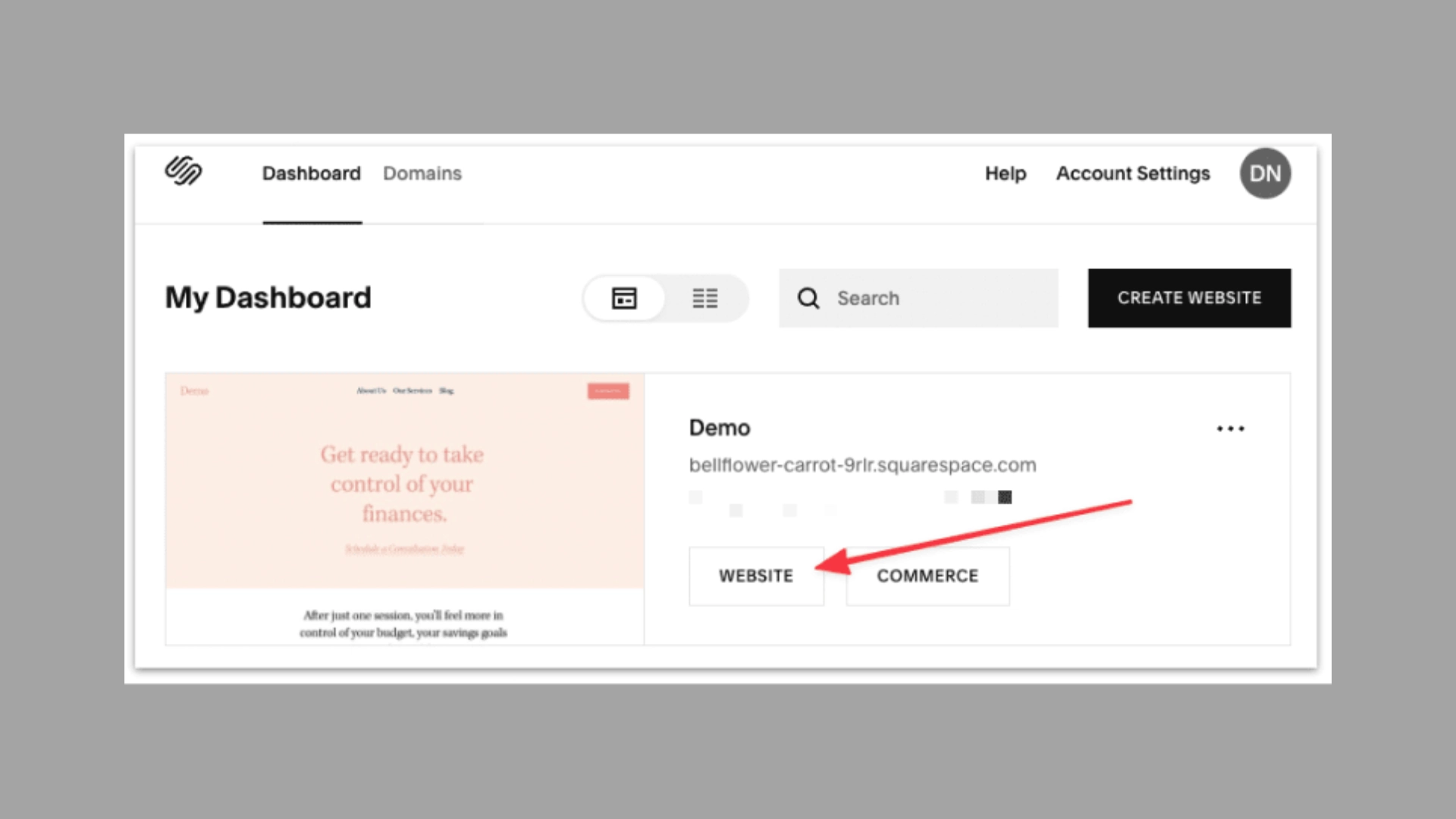
To start learning how to change font in Squarespace, open your dashboard and go to the Design section. Inside the Design panel, you will find a Fonts tab. This is where all typography settings are located.
Squarespace gives you options for:
Font packs
Heading fonts
Paragraph fonts
Navigation fonts
Button fonts
Accent fonts
Everything is organized so even complete beginners can make adjustments easily.
Many business owners monitor how their typography changes impact user behavior by working with a Google Analytics consultant who helps them understand visitor data more clearly.
Using Font Packs for Quick and Balanced Typography
Font packs are pre-designed combinations created by Squarespace’s design team. They include a heading font, a body font and sometimes an accent font. If you are new to the platform, font packs are one of the easiest ways to understand how to change font in Squarespace because they give you beautiful and balanced typography instantly.
Font packs are ideal when you want:
A modern, polished look without extra effort
Typography that aligns with your template
A consistent, clean style across your pages
If you want more control, you can adjust individual fonts afterward. Font packs simply give you a strong starting point.
Changing Heading Fonts
Headings are where your visitors look first. They separate your content and help readers understand the structure of your page. When exploring how to change font in Squarespace, heading customization is often the first step.
Inside the Fonts panel, open the headings section. You can adjust:
Font family
Size
Weight
Line height
Letter spacing
Bold sans serif headings create a modern look. Elegant serif headings create a classic and sophisticated feel. Choose a style that matches what you want your brand to say.
Some businesses work with a b2b web design agency when they want a typography system that reflects a larger branding strategy.
Changing Paragraph Fonts
Paragraph fonts are all about readability. Since most content is written in paragraph form, selecting a clean, comfortable font is essential. While learning how to change font in Squarespace, pay close attention to how your paragraphs look at different sizes.
Squarespace lets you adjust:
Font family
Font size
Line spacing
Paragraph width
Readable fonts help your visitors stay longer on your site and understand your message clearly. Avoid overly decorative fonts for paragraphs because they can make your content difficult to read.
Some websites need deeper responsive adjustments and work with responsive website development services to perfect the mobile reading experience.
Adjusting Navigation Fonts
Your navigation bar guides your visitors through your website. That is why adjusting navigation fonts is part of learning how to change font in Squarespace. Menu text should always be easy to read and visually clean.
Squarespace allows you to change your navigation:
Font style
Size
Spacing
Weight
Navigation typography should never overpower your design. Instead, it should support clarity and make your website simple to navigate.
Customizing Button and Accent Fonts
Buttons and accent text add personality to your website. While practicing how to change font in Squarespace, you may want to experiment with these settings as well.
Accent fonts help highlight special text
Button fonts influence click-through behavior
Stylish accents can enhance branding
Be consistent. If you choose decorative accent fonts, use them sparingly so your design stays clean.
Travel brands sometimes enhance their typography and design with help from a travel website development company, especially when their pages rely heavily on visual storytelling.
Uploading Custom Fonts for a Unique Look
Squarespace supports custom font uploads for users who want complete creative freedom. This is an advanced part of learning how to change font in Squarespace, but simple enough once you understand the steps.
You can upload custom fonts in formats such as OTF and TTF. After uploading, assign them to headings, paragraphs or other text elements.
Custom fonts are perfect for brands that want a distinctive visual style. They help your website stand out and feel more unique and personal.
How Typography Affects Website Performance
Fonts do more than shape appearance. They also influence how fast your website loads. While exploring how to change font in Squarespace, it is important to consider performance.
Lighter fonts load faster
Too many font families can slow down your pages
Heavy custom fonts may reduce speed
Minimal font choices help maintain a smooth experience
Fast-loading pages improve user satisfaction and support better search results.
Websites that want continuous improvements often rely on website maintenance services to keep their typography, layout and performance updated.
Typography and SEO
How Fonts Influence Search Visibility
Typography indirectly affects your SEO performance because it changes how users behave on your website. When your text is readable and visually appealing, people stay longer, scroll more and explore multiple pages. These behaviors send positive signals to search engines.
Knowing how to change font in Squarespace helps you improve:
Readability
Bounce rate
User engagement
Session duration
Some brands monitor these changes with a Google Analytics audit checklist, which helps them evaluate how font changes influence visitor behavior.
Typography Consistency Across Your Website
Strong branding requires consistency. When learning how to change font in Squarespace, it is important to apply typography choices evenly across your site.
Stick to one main font and one secondary font
Keep spacing uniform
Use similar styling across sections
Avoid mixing too many decorative fonts
A consistent typography system builds trust and helps visitors feel comfortable with your brand. It creates a smooth, cohesive browsing experience.
Many businesses share their redesigned website typography through LinkedIn marketing services to increase reach and attract professional audiences.
How to Test Typography Effectively
Once you change your fonts, observe how users respond. Typography influences whether visitors stay or leave. Understanding how to change font in Squarespace gives you control, but testing reveals what your audience actually prefers.
Review reading patterns
Analyze page engagement
Compare time spent on content
Check clarity on different devices
Testing helps you refine your style and make decisions that improve usability.
Advanced behavior tracking can be set up using Google Tag Management consulting services for brands that want deeper measurement.
Final Thoughts
Typography shapes the voice, personality and clarity of your website. Once you understand how to change font in Squarespace, you have the power to design pages that look professional, feel organized and communicate your message effectively. Whether you prefer simple font packs or custom uploads, Squarespace gives you flexible tools to build beautiful and readable typography.
Good typography improves user experience, strengthens your branding and creates a memorable impression. Spend time exploring different combinations, review how they look on mobile and ensure your choices match the identity of your brand. With consistent practice, managing your website’s typography will feel simple and enjoyable.
FAQs
Is it easy to change fonts in Squarespace?
Yes, it’s easy to change fonts in Squarespace. You can update them from the Design → Site Styles → Fonts section, where you can choose from preset font packs or customize headings and body text individually. Changes update instantly, making it simple to adjust your site’s look without any coding.
Can I upload my own fonts?
Yes, you can upload your own fonts on Squarespace. In the Design → Custom CSS section, you can upload font files (like .woff or .ttf) and apply them using simple CSS. It gives you more branding control, but you’ll need basic CSS knowledge to use custom fonts correctly.
Do fonts affect user experience?
Yes, fonts directly affect user experience. Clear, readable fonts make your website easier to navigate, improve comprehension, and help users stay longer. Poor font choices—like overly fancy styles or tiny text—can cause strain and frustration. Good typography also strengthens your brand’s personality and makes your content feel more professional.
Should I use many fonts on my website?
It’s best not to use too many fonts on your website. Sticking to 2–3 fonts keeps your design clean, consistent, and easy to read. Using too many styles can look messy, slow down your site, and distract users. A simple, cohesive font combination creates a more professional and user-friendly experience.
Will changing fonts affect mobile layout?
Not usually. Most modern website builders, including Squarespace, automatically adjust fonts for mobile. However, very large or custom-uploaded fonts may need small tweaks to ensure they display well on smaller screens. Always preview your site on mobile after changing fonts to make sure everything looks clean and readable.


Leave a Reply